
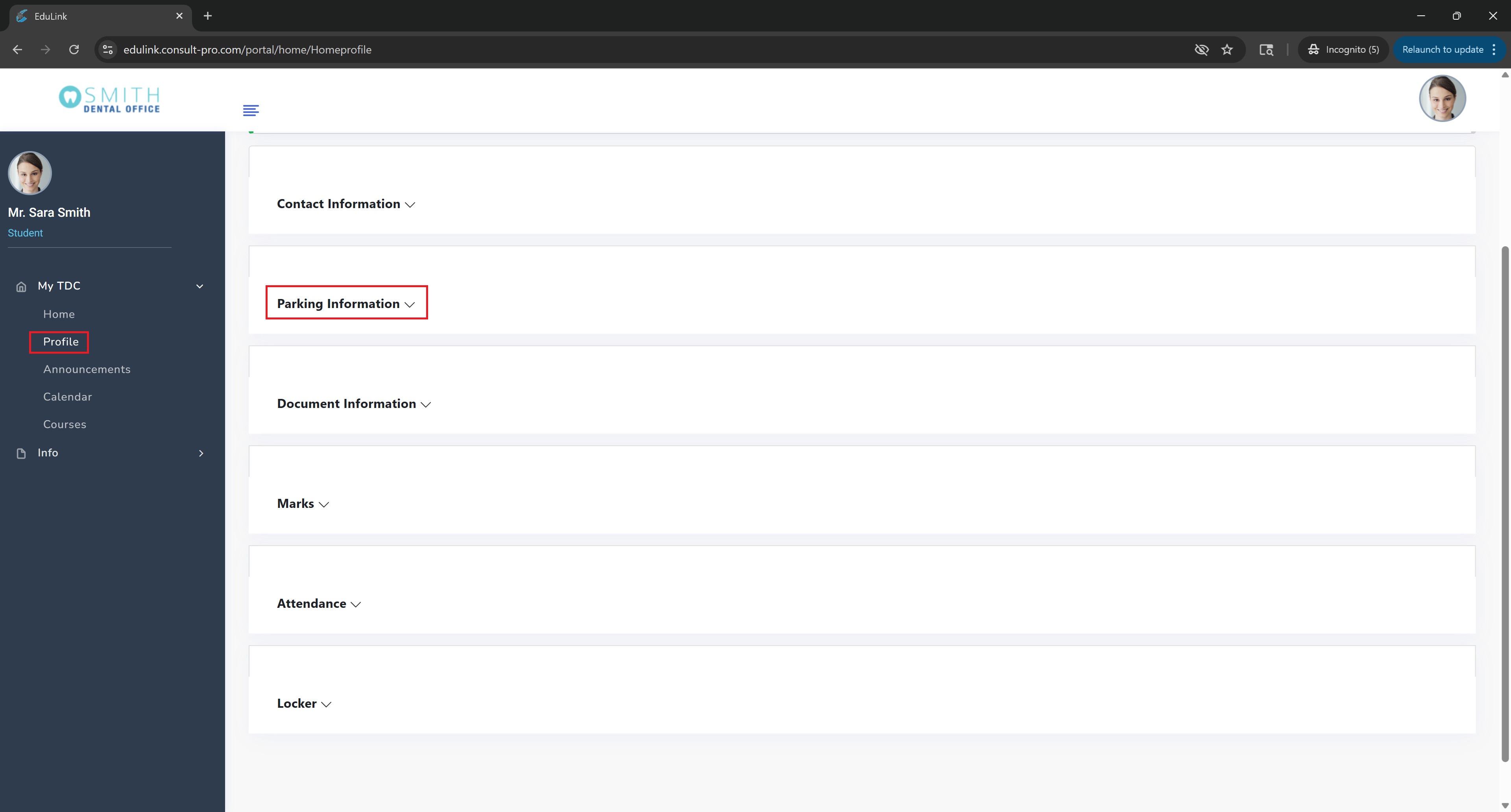
Step 2: Access Your Profile
Expand "My Dashboard" → "Profile" and then expand the "Parking Information" section to view your assigned parking spot and details
💡 Pro Tip
Your parking assignment information includes your assigned parking spot number, location, and any special parking regulations. Make sure to note your parking spot number and any time restrictions for easy campus navigation.