
Step 2: Access Your Profile
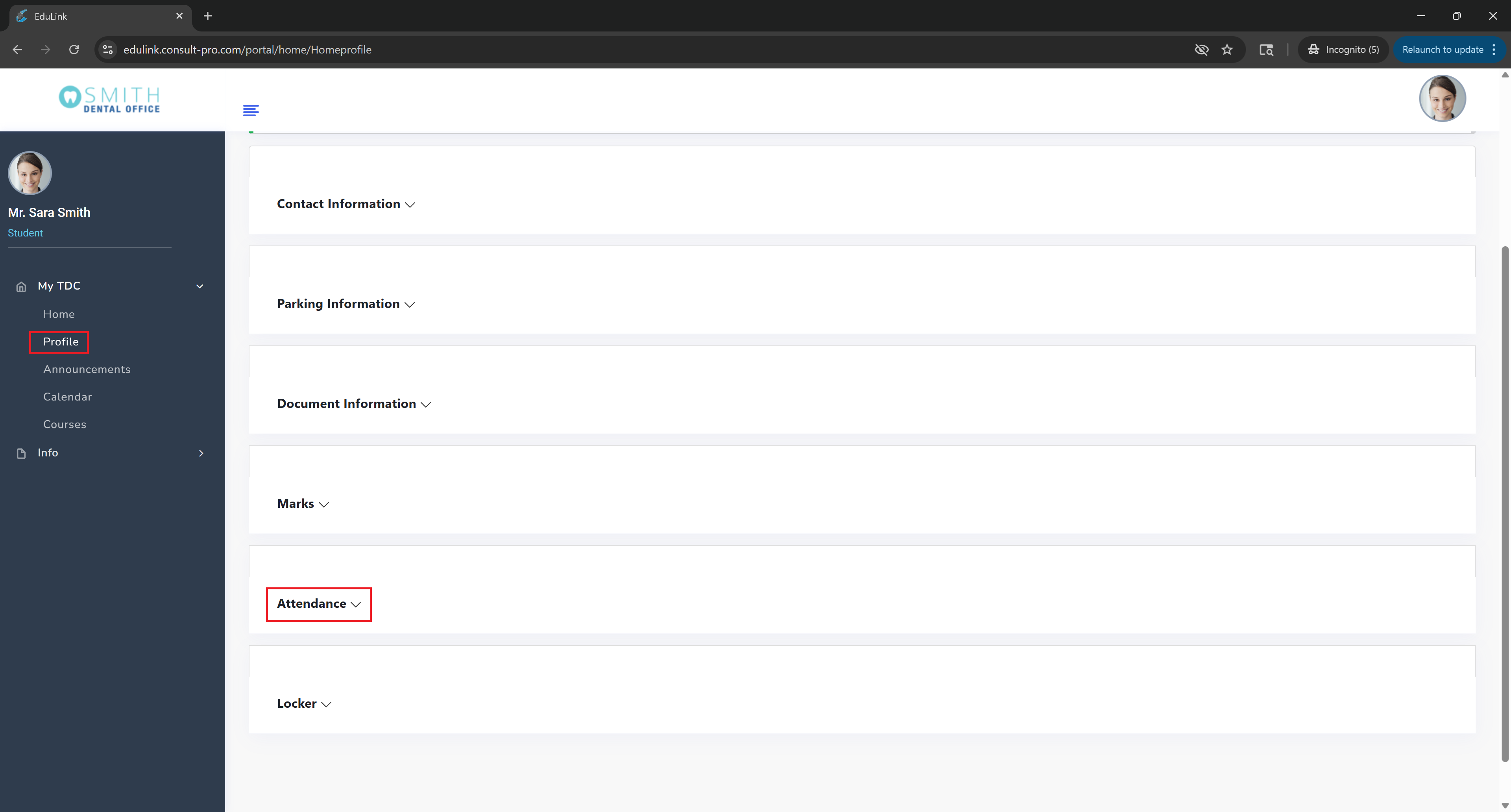
Expand "My Dashboard" → "Profile" and then expand the "Attendance" section to view your overall attendance record across all courses
💡 Pro Tip
Your overall attendance section shows your attendance percentage across all courses, individual course attendance records, and any attendance-related notifications. This helps you track your attendance performance and stay on top of any attendance requirements.