
Step 2: Access Your Profile
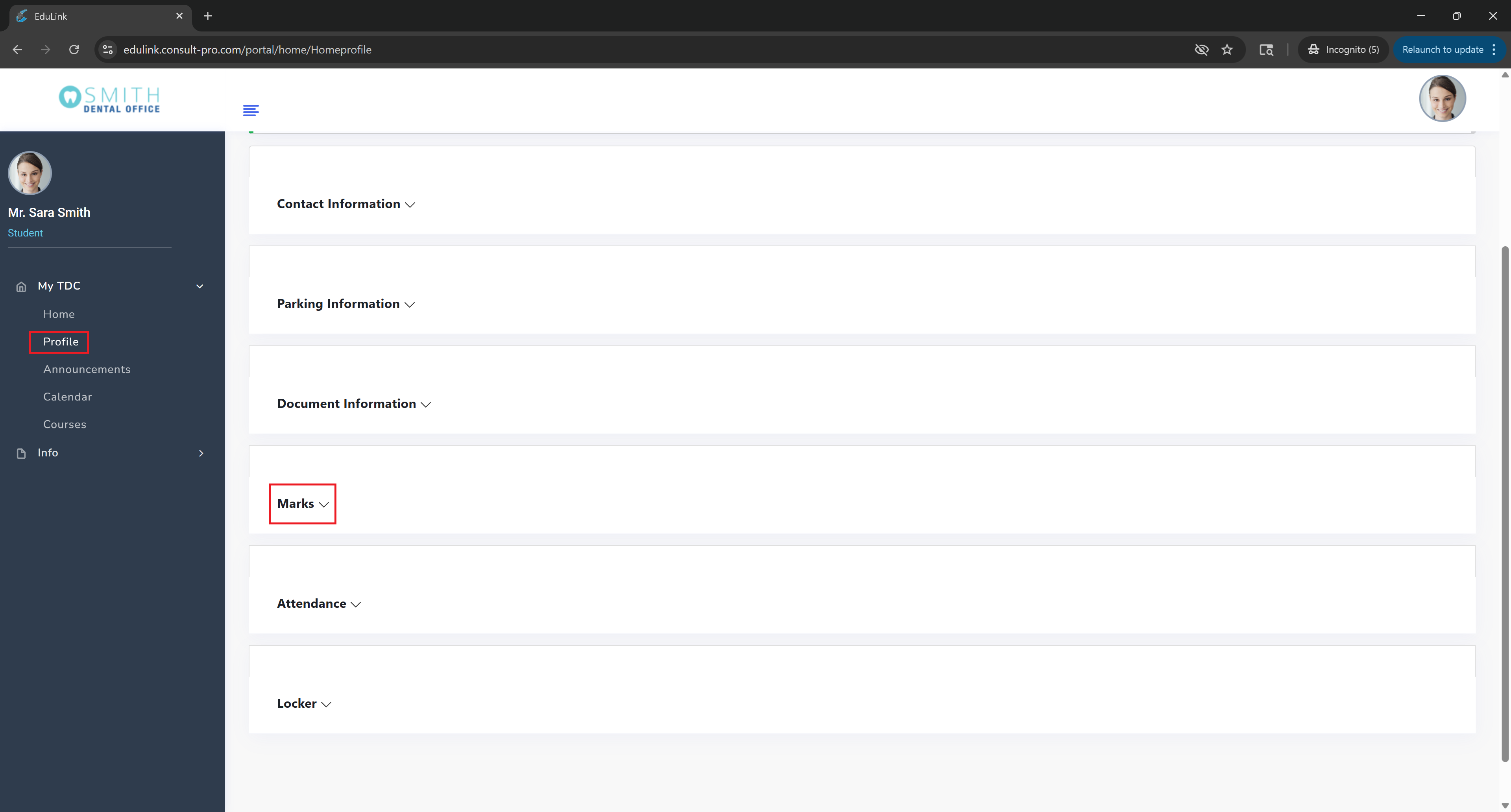
Expand "My Dashboard" → "Profile" and then expand the "Marks" section to view all your academic grades and scores
💡 Pro Tip
Your marks section shows all your academic grades across all courses. You can view detailed breakdowns by course, assignment, and overall GPA. This information is updated regularly as instructors grade your submissions.