
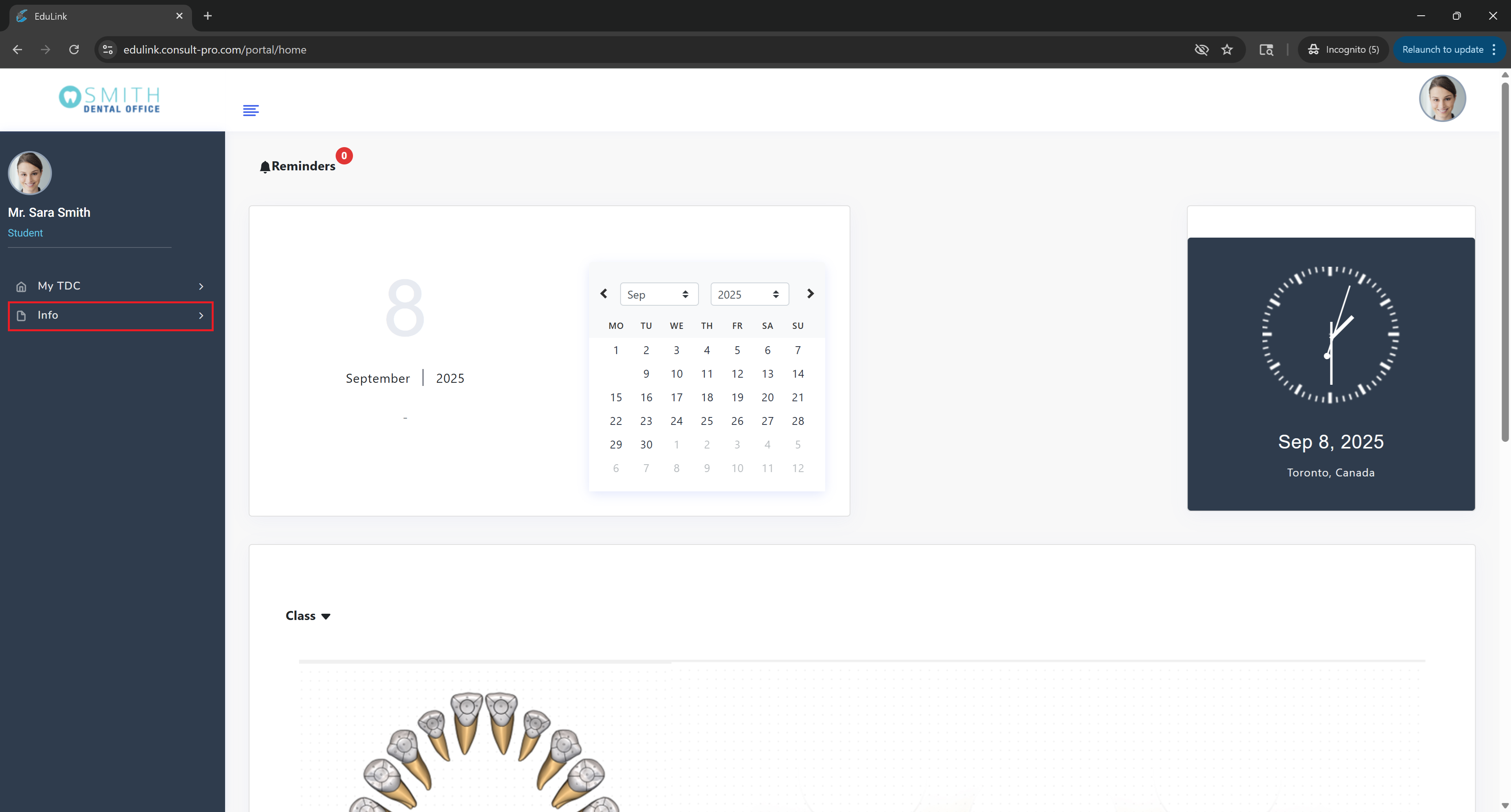
Step 2: Access Informational Pages
Expand "My Info" to browse all available informational sections and resources
💡 Pro Tip
The "My Info" section contains important institutional information, policies, procedures, and resources. You can find academic calendars, student handbooks, contact information, and other essential documents to help you navigate your educational journey.