
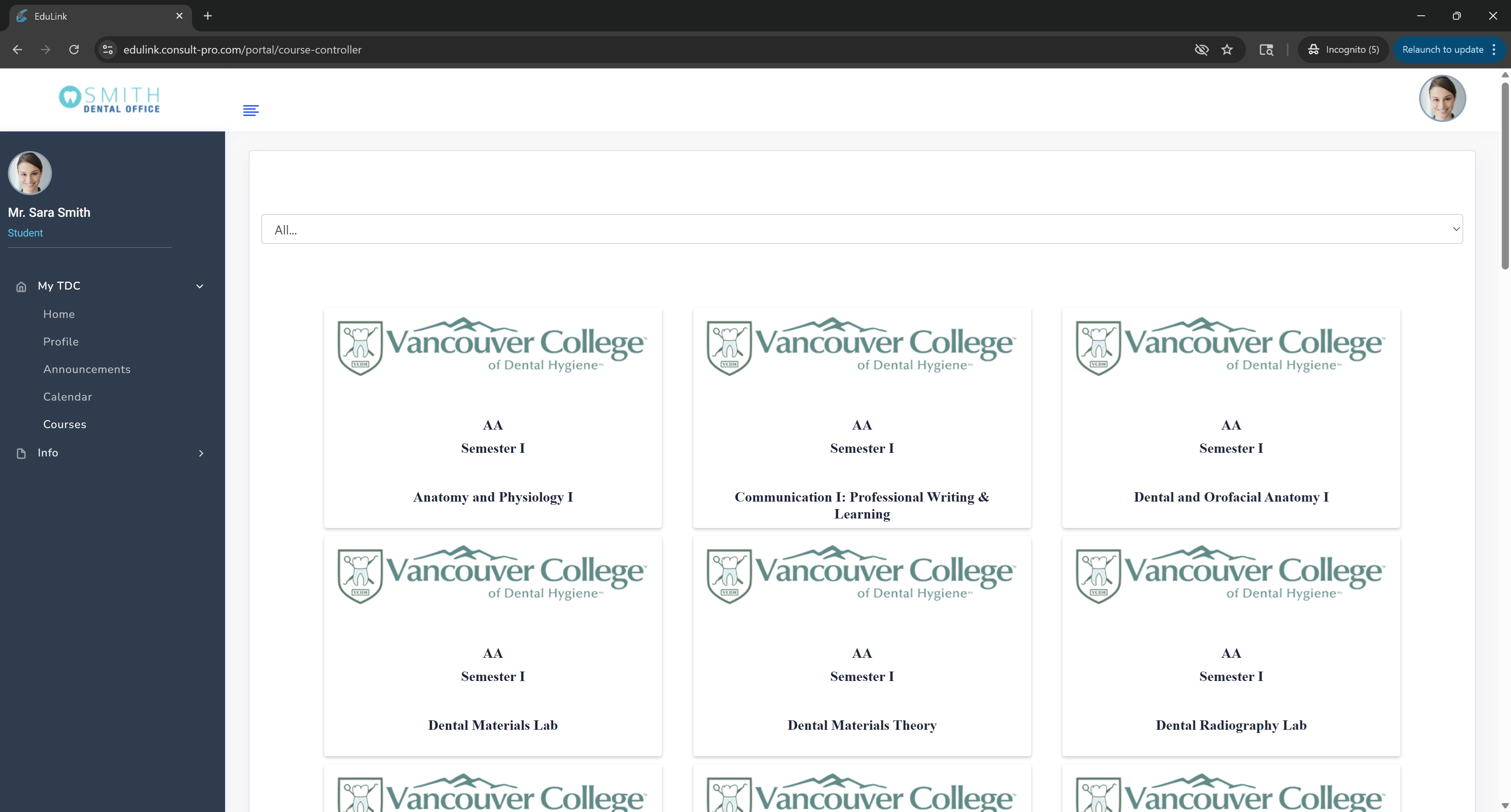
Step 2: Expand "My Dashboard" → "Courses"
Navigate to the "My Dashboard" section and expand it, then click on "Courses"

Step 3: Select Your Course
Click on the specific course you want to view grades for
Step 4: Click "Grade book"
Once in your course, click on "Grade book" to view all your grades and assignments

💡 Pro Tip
You can view detailed grade breakdowns for each assignment, see your overall course progress, and track your academic performance. Grades are typically updated by instructors as assignments are graded.