
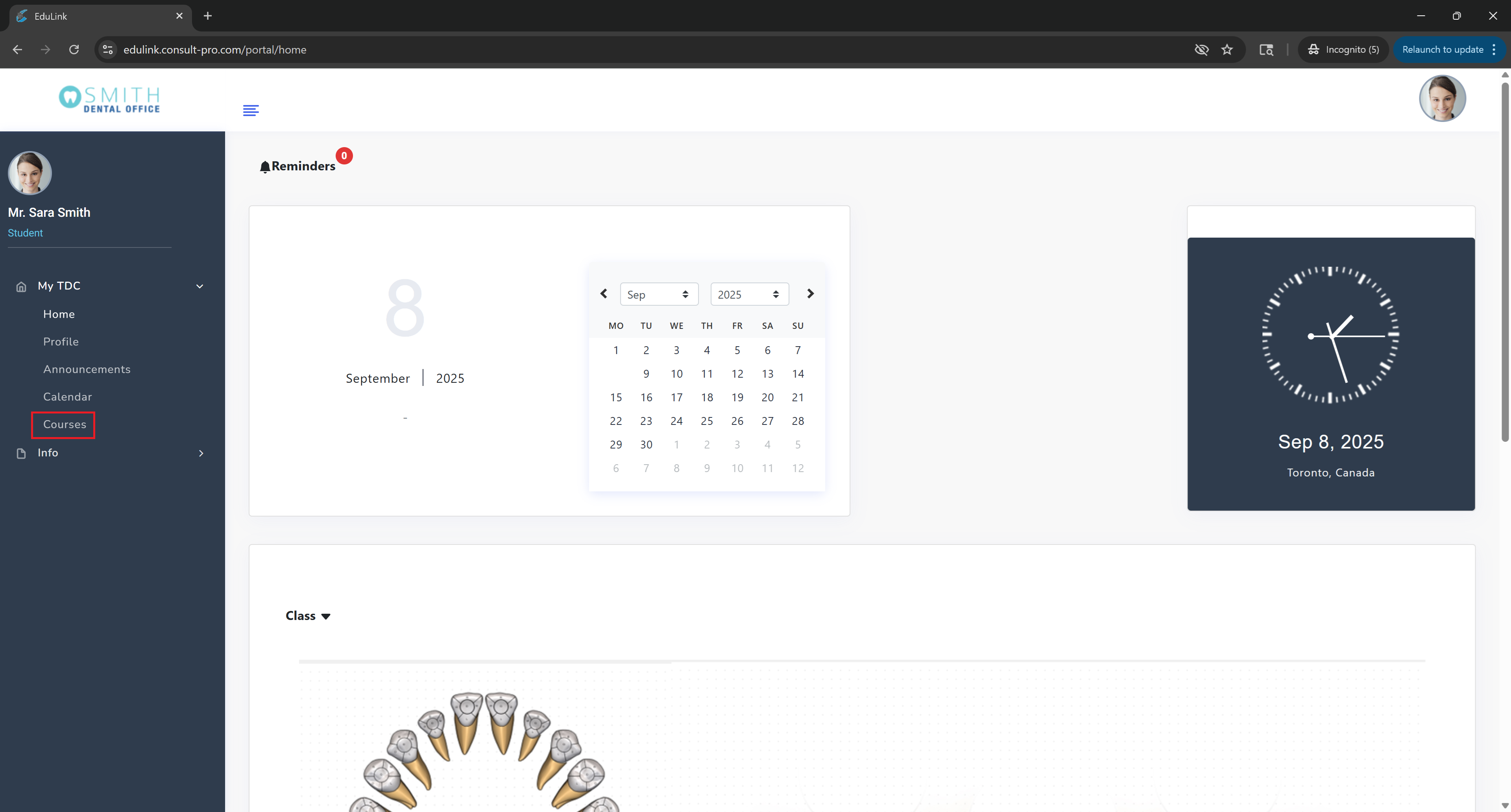
Step 2: View Your Courses
You'll see a list of all your courses with details and access options
💡 Pro Tip
You can click on any course name to access course materials, assignments, and grades. Use the search bar to quickly find specific courses if you have many enrolled. Click on any image above to view it in full screen!