
Step 2: Navigate to Courses
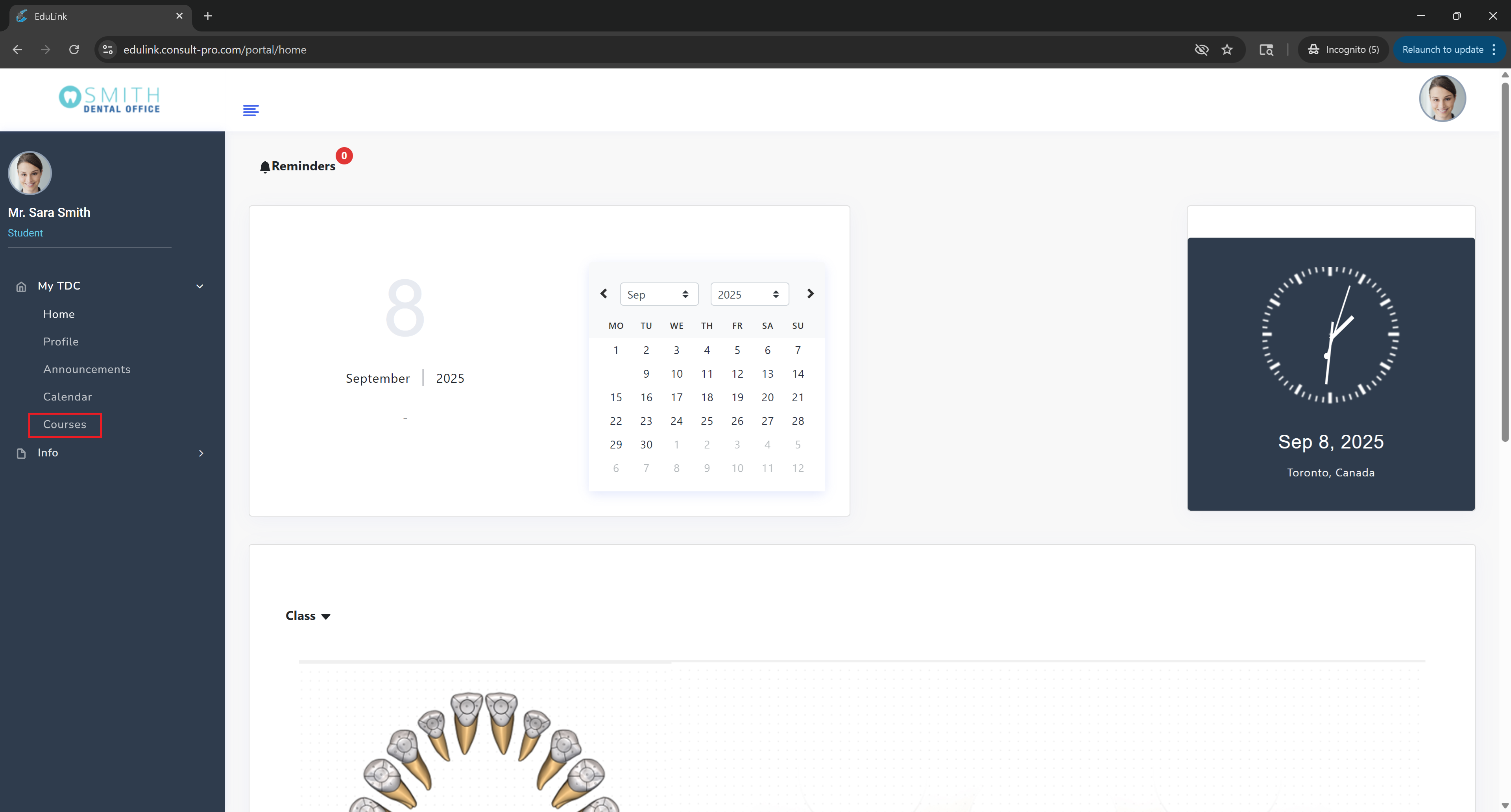
Expand "My Dashboard" and click on "Courses" to see your enrolled courses
Step 3: Select Your Course
Choose the specific course you want to view resources for

Step 4: Access Resources
Click on "Resources" to view all available course materials, documents, and supplementary content

💡 Pro Tip
Your course resources section contains all supplementary materials, documents, readings, and additional content. You can download files, view documents online, and organize materials by type or topic. Use the search function to quickly find specific resources.