
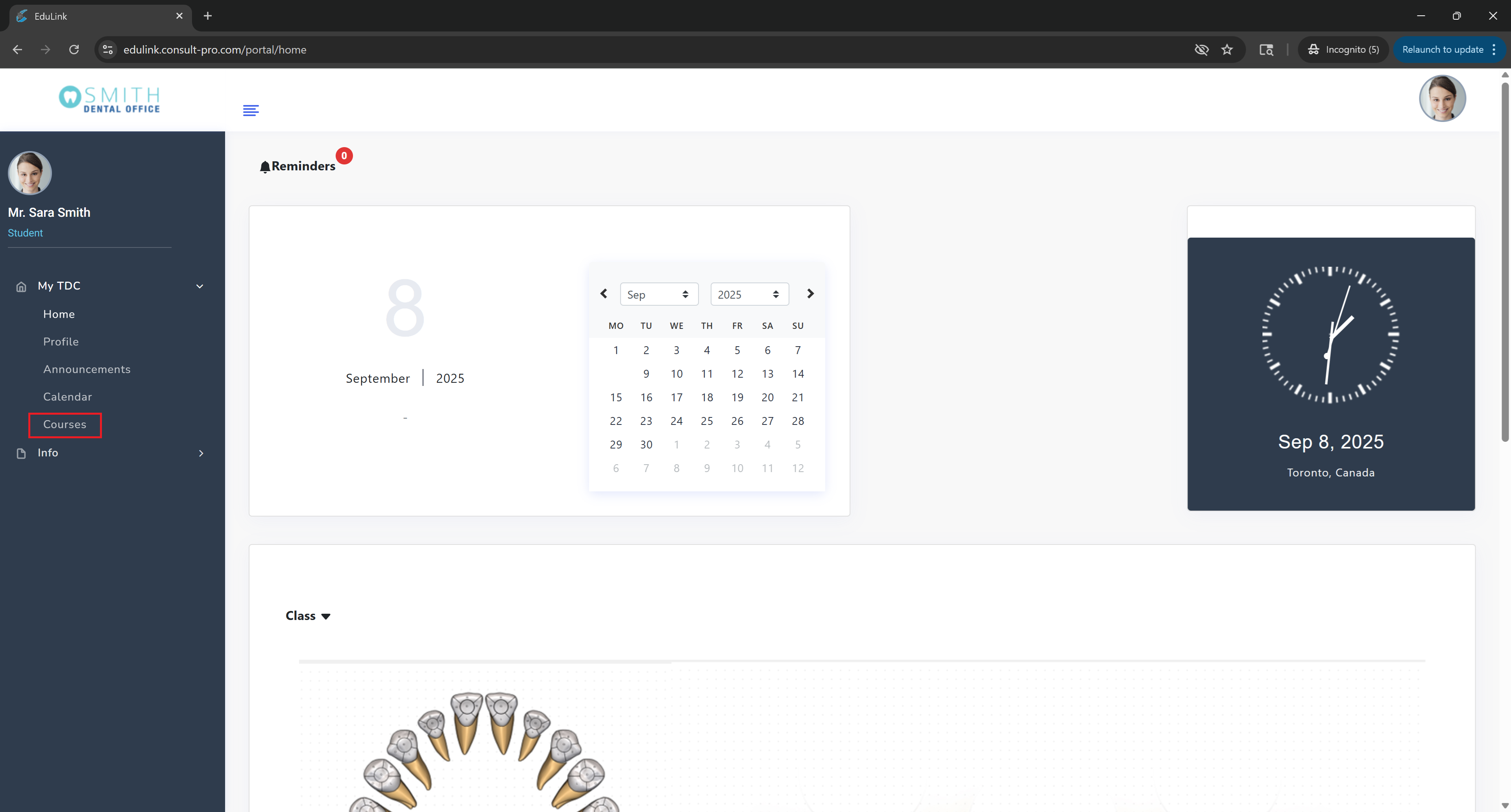
Step 2: Navigate to Courses
Expand "My Dashboard" and click on "Courses" to see your enrolled courses
Step 3: Select Your Course
Choose the specific course you want to view the curriculum for

Step 4: Access Course Curriculum
Click on "Course Curriculum" to view the complete course outline, topics, and learning objectives

💡 Pro Tip
The course curriculum shows you the complete learning path, including all topics, modules, and learning objectives. This helps you understand what you'll learn throughout the course and plan your study schedule accordingly.