
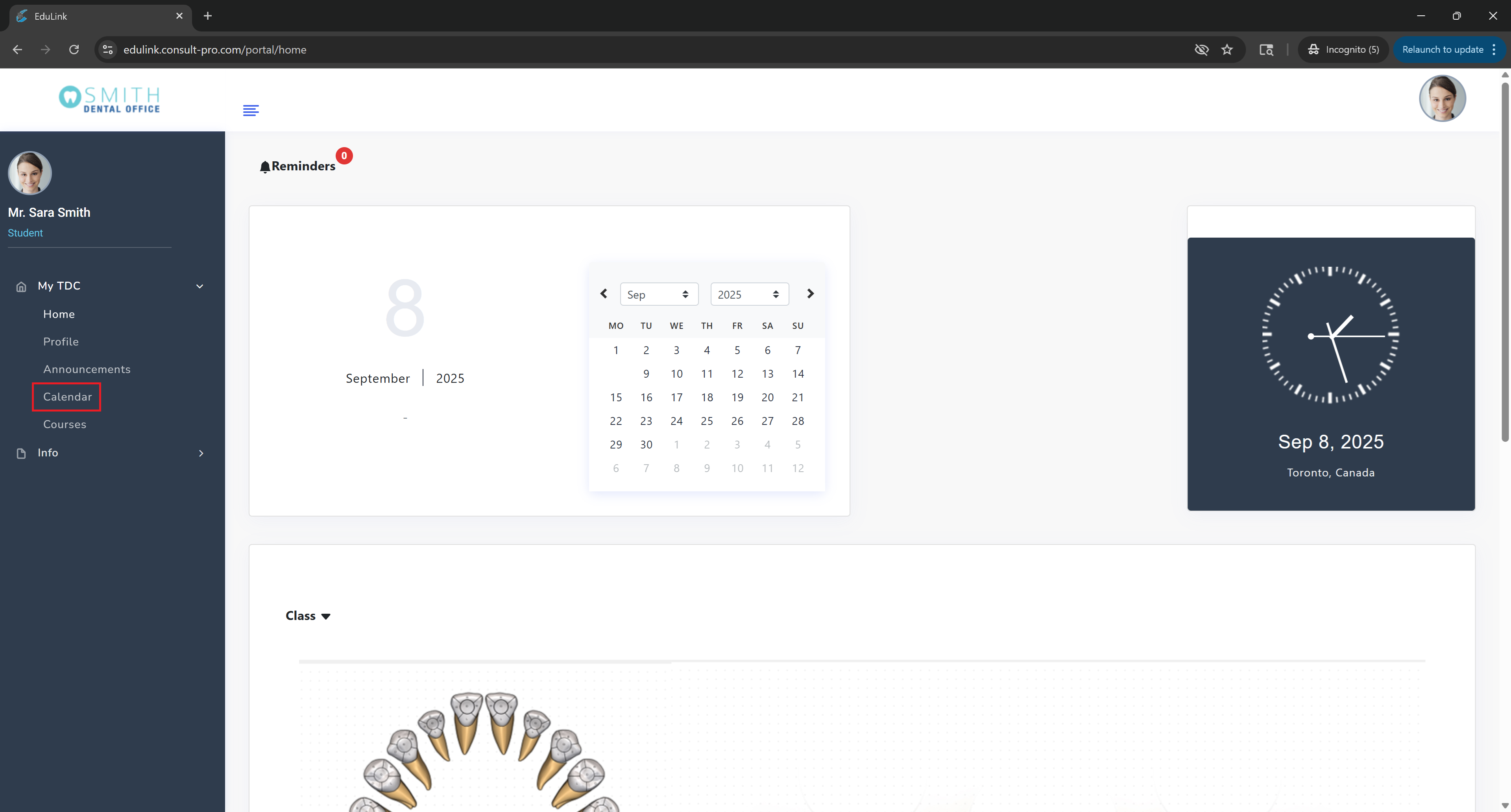
Step 2: Access Calendar
Navigate to "My Dashboard" and click on "Calendar" to view your schedule and important dates
💡 Pro Tip
Your calendar shows all important dates, deadlines, and events. You can switch between different views (month, week, day) to better organize your schedule. Click on any event to see more details.