
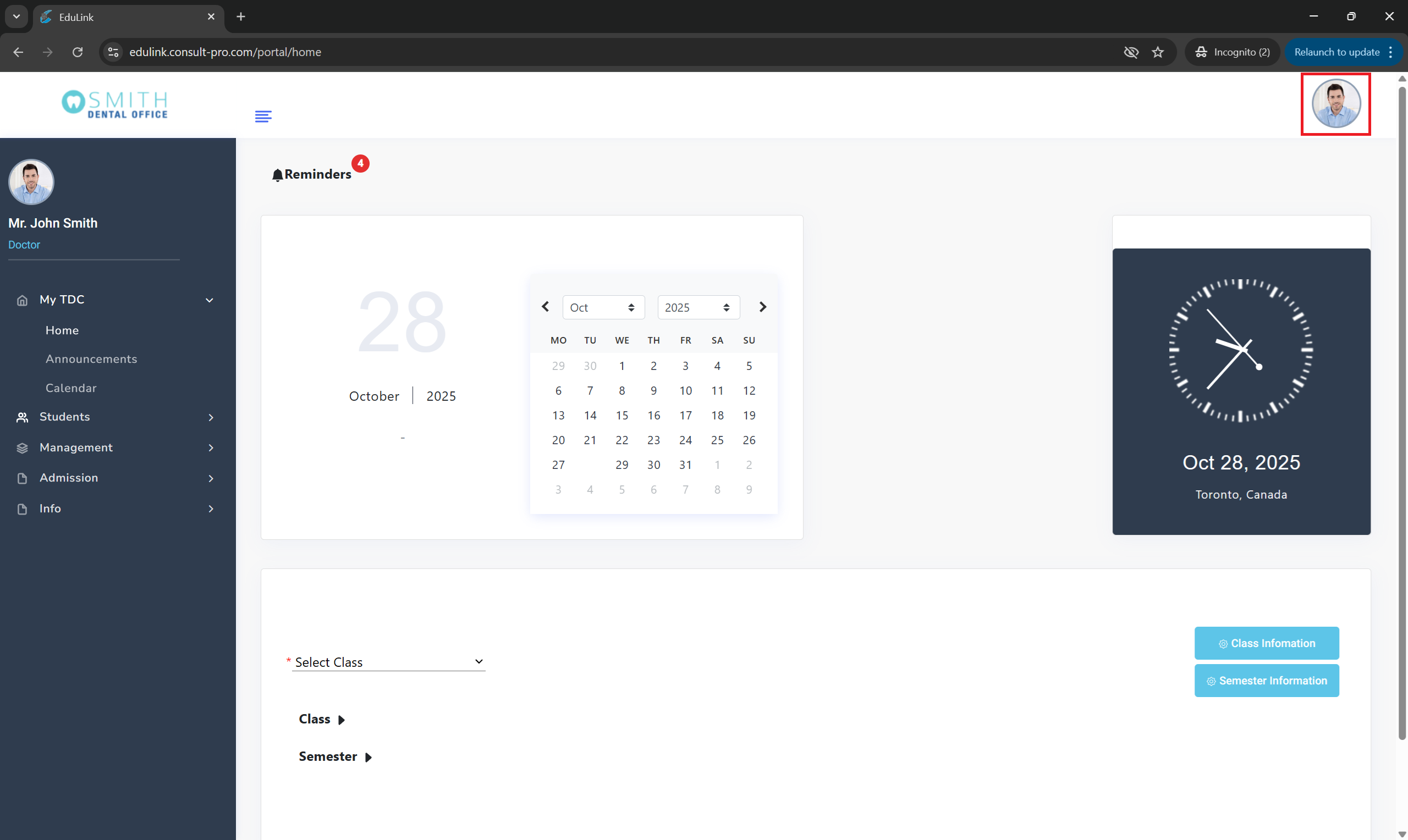
Step 2: Click Your Profile Picture
Look for your profile picture in the top right corner of the instructor dashboard
Step 3: Select "Edit Profile"
Click on "Edit Profile" from the dropdown menu

Step 4: Update Your Information
Make your changes and save your updated profile
