
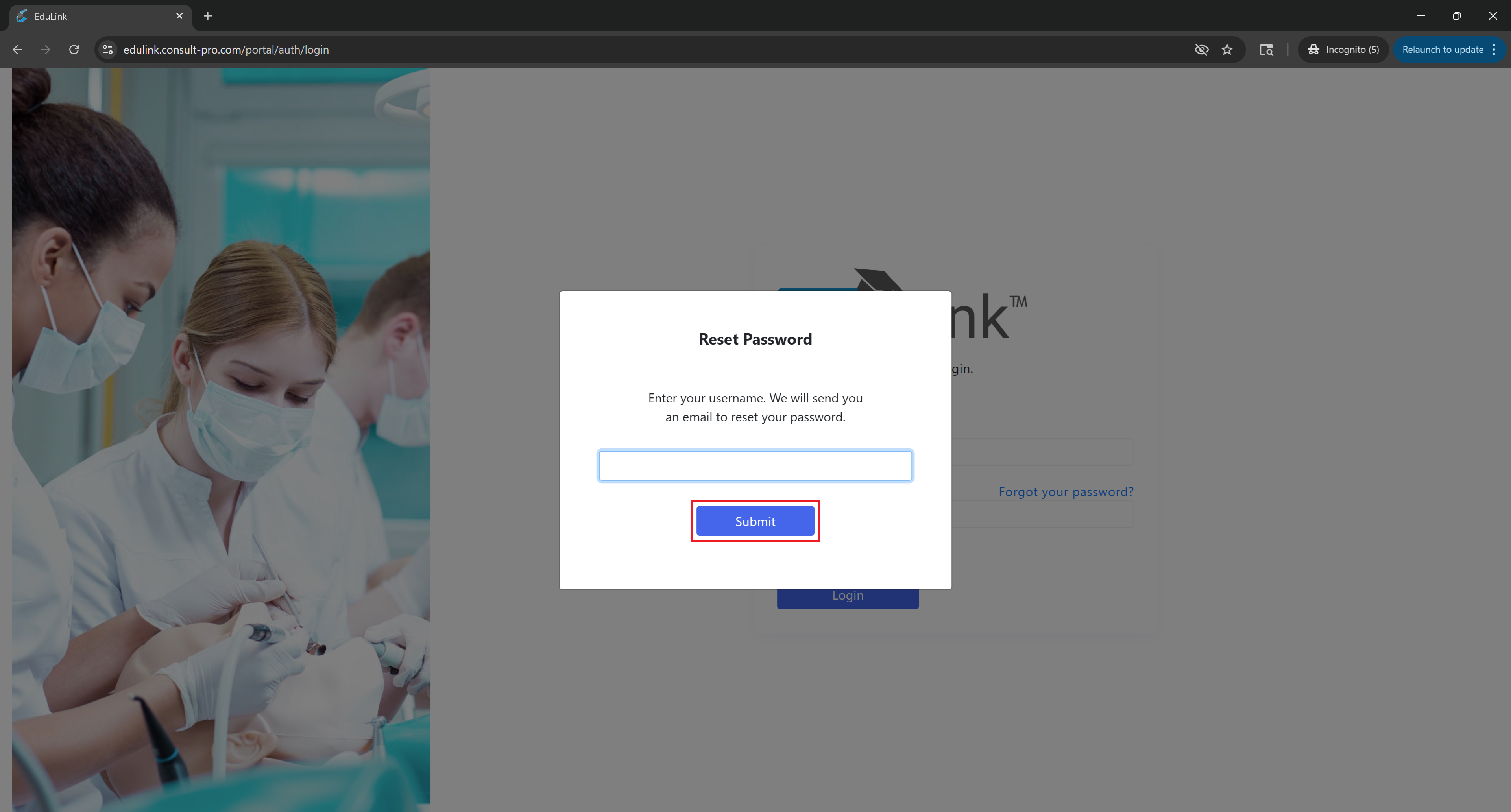
Step 2: Enter Your Username
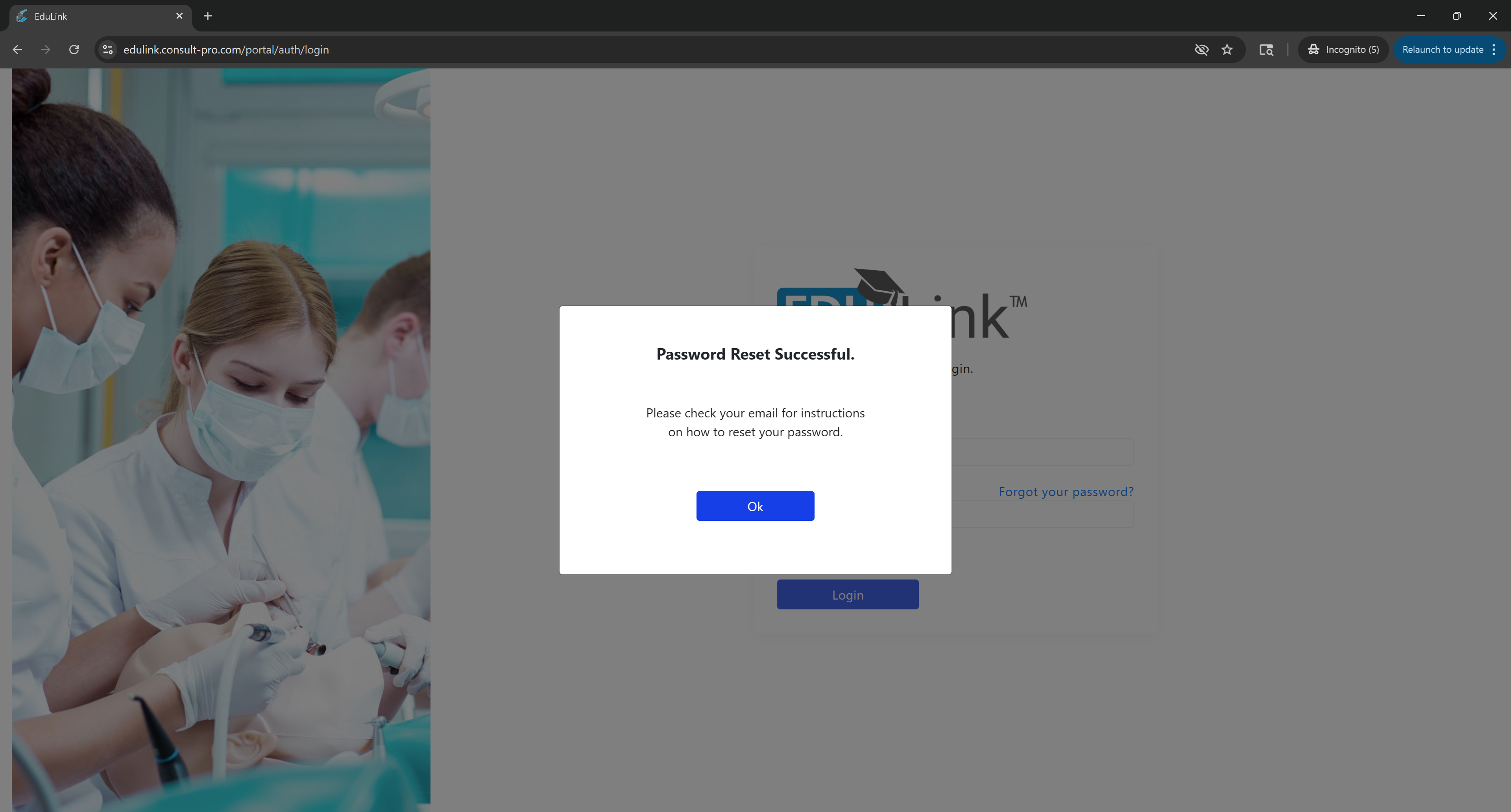
Enter your username and click Submit.
Step 3: Follow Email Instructions
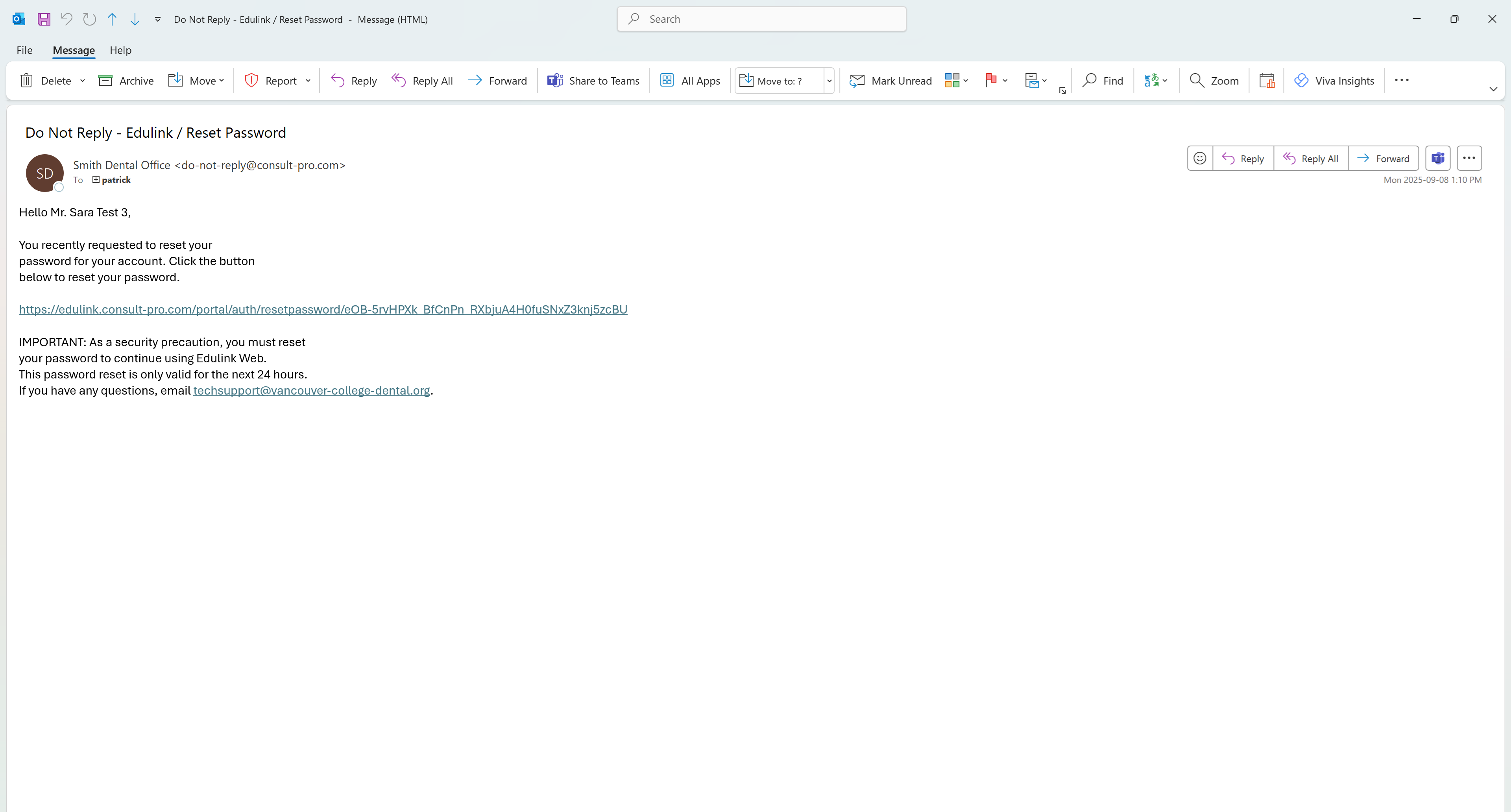
Follow the instructions in your email on how to reset your password.
Step-by-step instructions to reset your EduLink password
Enter your username and click Submit.
Follow the instructions in your email on how to reset your password.